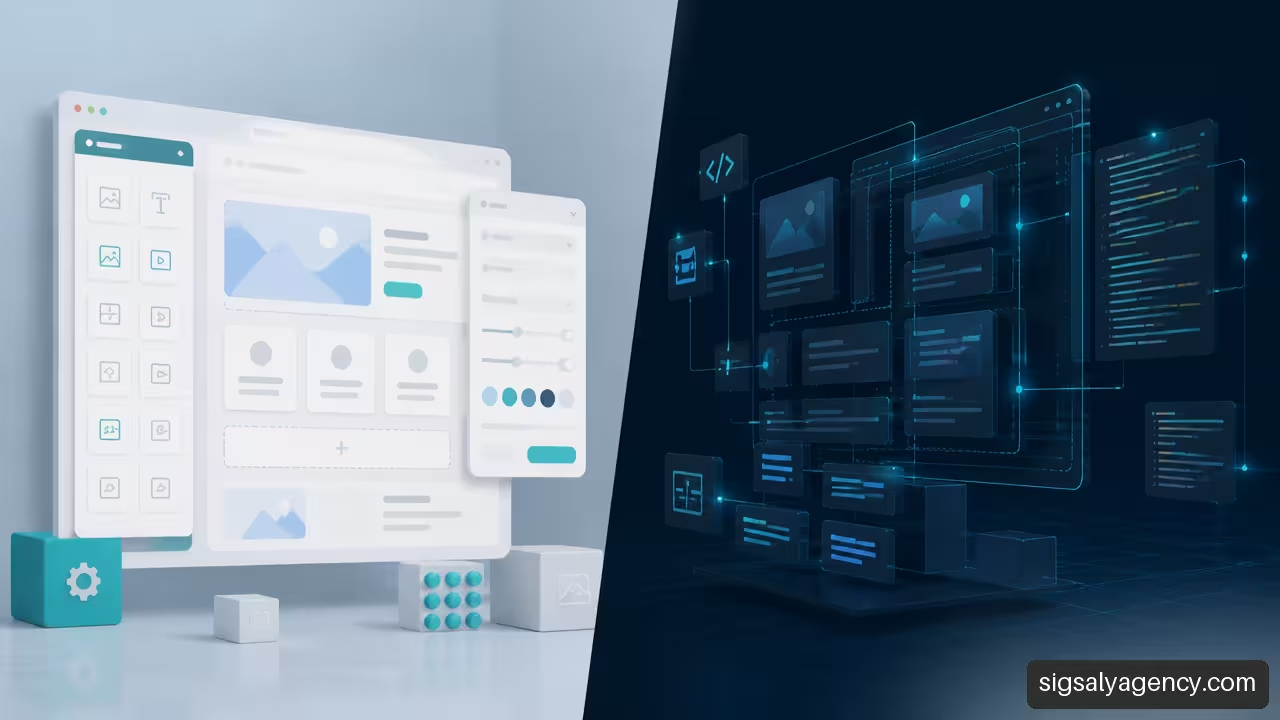
The differences between premium WordPress theme and custom development The reasons aren't simply about the purchase price or the appearance of a demo. The decision affects launch speed, team autonomy, total cost of ownership, and the ability to update the website within one, three, or five years. That's why it's important to compare the technical foundation, not just the initial visual result.
Table of Contents
- Real Differences Between Both Options
- Initial Cost and Total Cost of Ownership
- Maintenance, Performance, and Editorial Experience
- How to Choose According to Project Type
- Frequently Asked Questions
Real Differences Between Both Options
A premium WordPress theme is a commercial template designed to work on many different websites. It typically includes demos, pre-designed templates, style controls, and, in some cases, integration with a visual builder. premium WordPress themes These are commercial solutions that incorporate additional design and customization options compared to more basic proposals.
A custom development, on the other hand, starts from the objectives, content, and processes of a specific business. The templates, blocks, fields, and components are defined to meet a specific need: capturing leads, selling products, publishing technical specifications, showcasing properties, managing reservations, or connecting external systems.
The practical difference lies in the approach. With a premium theme, we adapt the project to existing rules and components. With custom development, we first define the project rules and then build the foundation that supports them.
| Aspect | Premium WordPress Theme | Custom Development |
|---|---|---|
| Starting point | Design and functions already created | Architecture designed for the project |
| Departure deadline | It's usually shorter if the demo fits. | It requires prior analysis, design, and development. |
| Personalization | High within the limits of the topic | Very high if the scope is correctly defined. |
| Initial cost | Normally smaller | Normally older |
| Departments | It may depend on the theme, plugins, and builder. | It depends on the code itself and the team that maintains it. |
| Scalability | Good for predictable needs | More suitable for complex or changing models |
Three Ways to Use a Premium Theme
Treating all premium themes as a single category leads to mistakes. Installing a template and changing colors is not the same as modifying its files, adding your own logic, and connecting multiple plugins.
A comparison between a premium theme and a custom theme It distinguishes three useful approaches: using the theme virtually unchanged, extending it through a child theme, or replacing it with a theme created specifically for the business.
- Theme used almost exactly as is. We change logos, fonts, colors, text, and images. It's the fastest option and usually the easiest to maintain. It works when the business needs a standard, professional presence and the demo's structure resembles the desired result.
- Premium theme with child theme. A child theme inherits the foundation of the parent theme but allows you to incorporate styles, settings, and certain templates without directly editing the original files. If the provider updates the parent theme, the modifications to the child theme are more likely to be preserved. Even so, you should check for compatibility after each update.
- Deeply modified premium theme. Warning signs appear here: rewritten templates, numerous code snippets, several essential plugins, and styles that constantly modify the theme's behavior. It might work, but the initial savings start to disappear, and maintenance becomes more complicated.
The useful question isn't whether a premium theme allows customization. Almost all of them do. The question is how much work it takes to achieve the desired result without turning the core theme into an exception that's difficult to update.
Visual Customization vs. Structural Customization
Changing a color palette is visual customization. Creating a content type for services, with fields for price, duration, FAQs, testimonials, and a call to action, is structural customization.
A premium theme can solve the first problem well. The second depends on how it's built, its options, and compatible plugins. On WordPress.com, for example, the available customization options They depend on the chosen theme and the subscription plan. The same logic applies to other WordPress installations: each theme imposes technical and editorial limitations.
If a company needs five pages of similar services, a generic design may suffice. However, if it needs to publish 200 listings with comparable data, filters, relationships between content, and editing rules, it's advisable to design a specific structure from the outset.
Initial Cost and Total Cost of Ownership
The price of a theme license rarely represents the true cost of the project. It's just one item. To make a proper comparison, we need to calculate the total cost of ownership for a defined period, for example, three years.
The formula is not intended to provide a universal figure, because rates, coverage, and providers vary. Its usefulness lies in avoiding incomplete comparisons.
Total cost of ownership = setup + customization + recurring licenses + maintenance + support + incidents + future improvements + possible migration
What Can Increase the Price of a Premium Theme
A premium theme is usually cost-effective when installed with few changes. However, every exception adds time and risk: replicating a design not shown in the demo, creating non-included modules, integrating an API, optimizing a visual builder, or resolving conflicts between extensions.
A complete comparison between custom and premium themes It should consider customization, plugins, support, architecture, editorial experience, and maintenance, not just the entry price.
We can divide the usual costs into four groups:
• Licences: theme, visual builder, form plugins, filters, e-commerce, backups or security.
• Adaptation hours: design, layout, configuration, content uploading and testing.
• Cost of complexity: Diagnosing conflicts, incompatible updates, and reliance on poorly documented configurations.
• Replacement cost: Redesign or migrate when the theme no longer fits, stops being updated, or limits new functionality.
When the Economic Point Changes
The turning point occurs when customizing a theme costs almost as much as creating a custom theme, but it retains the restrictions of the original theme. There's no single number of hours that applies to all projects. However, there are clear warning signs.
| Sign | What It May Indicate |
|---|---|
| Many template modifications are needed | The theme no longer represents the structure of the project |
| Several plugins solve basic functions | Increase the maintenance area |
| The design requires constant corrections | The demo and the brand identity are not aligned. |
| Each update requires extensive manual review. | The architecture relies on fragile customizations |
| The team cannot edit without technical assistance. | The publishing experience is not well resolved |
Imagine an academy that starts with a corporate website. A premium theme might cover the homepage, services, blog, and contact information. If it later adds courses, instructor profiles, calendars, private areas, payments, and integration with an educational platform, it might be worth rethinking the website's architecture. Not because the premium theme is bad, but because the project has moved up a level.
Custom Development Also Has Recurring Costs
Custom development doesn't eliminate maintenance. It shifts some of the dependency from the theme provider to the person maintaining the code. This requires documentation, change tracking, compatibility checks, and a person or team capable of intervening when WordPress, PHP, plugins, or external services evolve.
The potential advantage is control: we know which components exist, what they do, and which dependencies are truly necessary. The disadvantage arises if the project is delivered without documentation or if no one can maintain it afterward. Therefore, before hiring a developer, it's advisable to request a clear definition of code ownership, the update process, the repository, backups, and ongoing support.
Maintenance, Performance, and Editorial Experience
The choice affects both website visitors and those who manage the site each week. An attractive website can be frustrating if posting an entry requires navigating confusing modules, duplicating buggy blocks, or relying on a developer for routine changes.
Performance: There is no automatic response
Being premium doesn't mean a site is slow. Nor does having a custom build guarantee speed. Performance depends on factors that work together: hosting, caching, images, fonts, scripts, database, plugins, traffic, and implementation quality.
A commercial theme can load styles, scripts, and modules intended for many use cases, even if a specific site doesn't need them. Custom development can limit resources to the components actually used. But poorly optimized custom code, large images, or a misconfigured server can negate that advantage.
The responsible way to decide is to measure. Before changing the database, we can audit the current site, identify which resources are blocking loading, check which plugins add value, and test in a staging environment. strategic guide for professional web design It helps to place performance and accessibility within a broader design decision.
Updates and Where Changes Are Saved
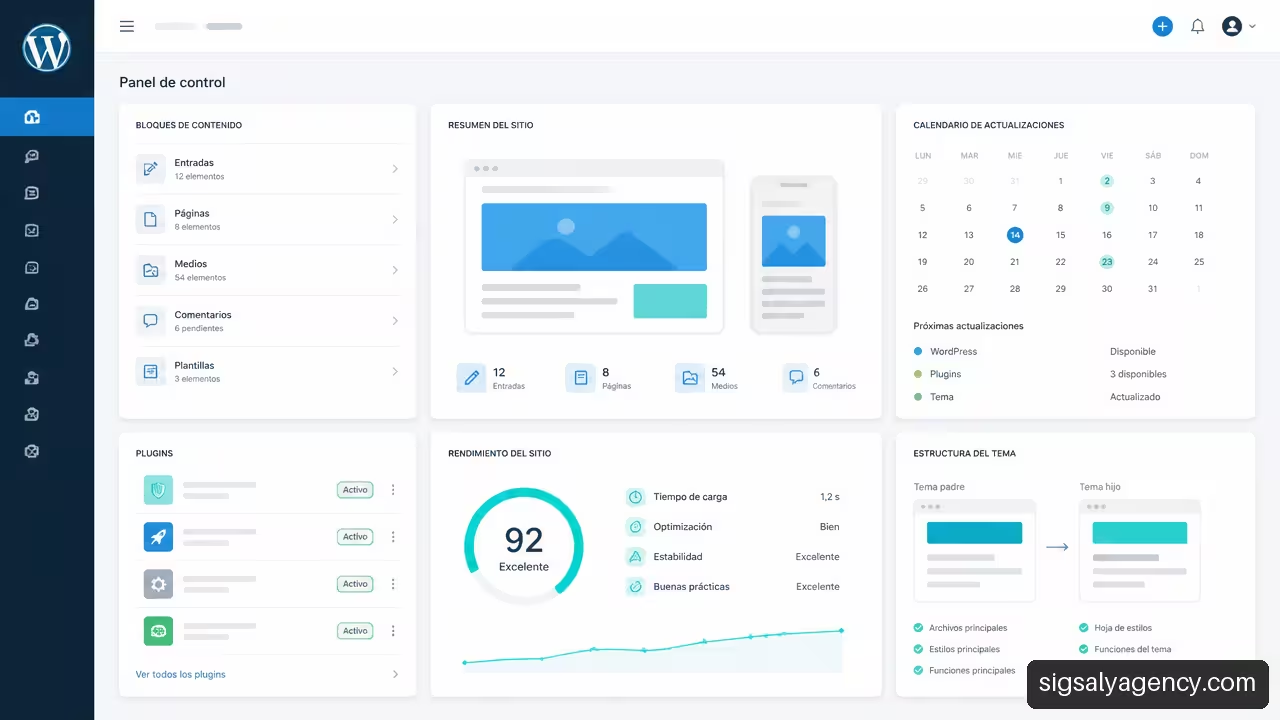
Directly modifying the parent theme is a high-risk practice. When an update is released, WordPress can replace those files and erase the modifications. A child theme mitigates this problem by separating some of the changes, although it doesn't resolve incompatibilities with newer versions of the parent theme on its own.
Where each adjustment lives also matters:
- Parent topic: Avoid direct modifications except in very controlled cases.
- Child topic: Useful for styles, templates, and settings that need to survive updates.
- Custom plugin or specialized plugin: appropriate for functions that should not depend on design, such as a content type, integration, or business logic.
- Visual builder settings: It is quick to implement, but it can create dependency on the constructor itself and its data format.
Separating design and functionality reduces the risk that changing the theme will break essential functions. For example, a service catalog shouldn't disappear just because the website header is replaced.
The Editorial Team's Experience
The administration should reflect the actual work of the business. If a team needs to create campaign pages frequently, they may need reusable templates and blocks. If they publish project sheets, they need clear fields and validations. If they only update a corporate website a few times a year, a simpler structure may suffice.
A base of blocks and patterns adapted to the content It may be better suited to editorial work than a collection of generic designs. The goal is not to provide unlimited freedom, but to allow for safe changes without compromising the visual consistency of each page.
To assess this aspect, it's advisable to request a demonstration of the administration panel, not just the public homepage. A good editorial workflow answers specific questions: Who creates a new page? What fields must they complete? What components can they reuse? What happens if they delete a block? Are there controls in place to prevent errors?
How to Choose According to Project Type
There is no single best option for every situation. The right decision arises from considering timeframe, budget, content model, brand differentiation, and future integrations. To understand the technological foundation, it's helpful to review... WordPress as a CMSThe content manager can be used for both a simple website and a platform with more specific structures.
When Is a Premium Theme Usually Worthwhile?
A premium theme is usually a good choice when the project meets most of these conditions:
• The launch must happen soon.
• The structure resembles a standard corporate website, portfolio, blog, or small shop.
• The visual identity can be adapted without redesigning every component.
• The initial budget is limited and there is room to accept some restrictions.
• The necessary functions are covered by reliable plugins and a few essential components.
• The team agrees to work with the editorial rules of the chosen theme or builder.
It's a reasonable option for validating a proposal, updating an outdated digital presence, or launching a business with known requirements. The key is to avoid the trap of trying to turn a generic template into a completely unique platform.
When Does Custom Development Pay Off?
Custom development makes sense when the website is an operational tool, not just a business card. Consider a real estate agency with a search engine, listings connected to a CRM, and publishing rules; an industrial company with configurators and technical documentation; or an organization with multiple teams publishing different types of content.
It usually pays off when several of these factors are present:
• The content model is complex or very specific.
• There are integrations with CRM, ERP, APIs, booking systems or internal platforms.
• The brand needs its own components and a clearly differentiated experience.
• The site will have many templates, users, or editorial workflows.
• The website should grow without having to redo the structure every few months.
• The organization can assume a larger initial investment and planned maintenance.
The web development and design with WordPress It must start from measurable requirements: what content will be published, what actions the user must complete, and what processes must work without manual intervention.
A Practical Decision in Four Steps
- Define the actual work of the website. Simply listing pages is not enough. You need to identify content, users, integrations, conversions, and editorial tasks.
- Separate requirements from wants. A form, a blog, and a services page don't always justify a complex architecture. A configurator connected to inventory probably does.
- Calculate three years of cost. We include development, licenses, support, maintenance, foreseeable changes, and possible replacement.
- Review an editorial proof. Before approving the solution, we check how content is created, pages are updated, and errors are corrected.
Key Takeaways
• A premium theme works best when the project truly fits its structure and requires few profound changes.
• Custom development offers more control over design, content, and integrations, but requires definition, investment, and technical continuity.
• The purchase price is not the real cost: licenses, customizations, support, incidents and migration also count.
• A child theme better protects modifications than editing the parent theme directly, although it requires testing after updates.
• Performance, security, and scalability depend on the complete implementation, not just on choosing one option or another.
Frequently Asked Questions
Which option allows you to launch the website earlier?
In general, a premium theme allows you to launch sooner if the demo, templates, and features closely match your needs. Custom development requires research, architecture, design, construction, and testing. However, trying to force a template to meet vastly different requirements can lengthen the project beyond what's anticipated.
Is the Premium Theme Always Cheaper in the Long Run?
No. It can be more economical when it requires minimal customization and few additional licenses. However, if you accumulate plugins, customizations, updates, and performance fixes, the total cost can approach that of a proprietary solution. You need to compare the entire scenario, not just the initial price.
Can a Premium Theme Be Fully Customized?
Many parts can be modified technically, but this isn't always efficient or stable. The further the result deviates from the theme's native options, the greater the likelihood of creating technical debt. If the design, templates, and content model are highly specific, a custom foundation might be preferable.
What is a child theme and when should I use it?
A child theme is a layer that inherits the foundation of a parent theme and allows you to add styles or templates without directly modifying its files. It's useful when you want to adapt a premium theme while still being able to update it. However, it doesn't replace testing: an update can change features or structures that your customizations depend on.
Which Offers Better Performance?
Neither option guarantees better performance on its own. A premium theme might include unused resources, while a custom solution might load only what's necessary. But hosting, caching, images, scripts, plugins, and configuration all have a decisive impact. The answer should be based on measurements specific to your project.
Which alternative relies less on plugins?
A custom development can incorporate specific functions in its own code or select very specific plugins. Even so, it's not advisable to assume that "fewer plugins" are "better" without context. A well-maintained plugin for a specialized function can be more secure and sustainable than recreating that function unnecessarily. The key is to avoid redundant or critical extensions without a maintenance plan.
Can a custom-developed product become obsolete?
Yes. It can become outdated if it's not maintained, if it relies on older technologies, or if there's insufficient documentation. Its advantage is that the code and architecture can be aligned with the project; its risk is dependence on whoever can maintain it. A support plan and documented delivery reduce that exposure.
Sources/References
- WordPress.com — Premium WordPress themes. https://wordpress.com/es/themes/about/premium
- WordPress.com — WordPress Customization. https://wordpress.com/es/support/temas/
- Heshamsaad — Custom WordPress Theme vs Premium Theme: How to Decide. https://heshamsaad.com/en/custom-wordpress-theme/
- W-Maintenance — Custom WordPress Theme vs Premium Theme. https://w-maintenance.pro/es/tema-de-wordpress-a-medida-vs-tema-premium/
- WPoland — How much does a WordPress website cost in 2026? Cost factors. https://wppoland.com/es/cuanto-cuesta-una-web-wordpress-2026-factores-de-coste/