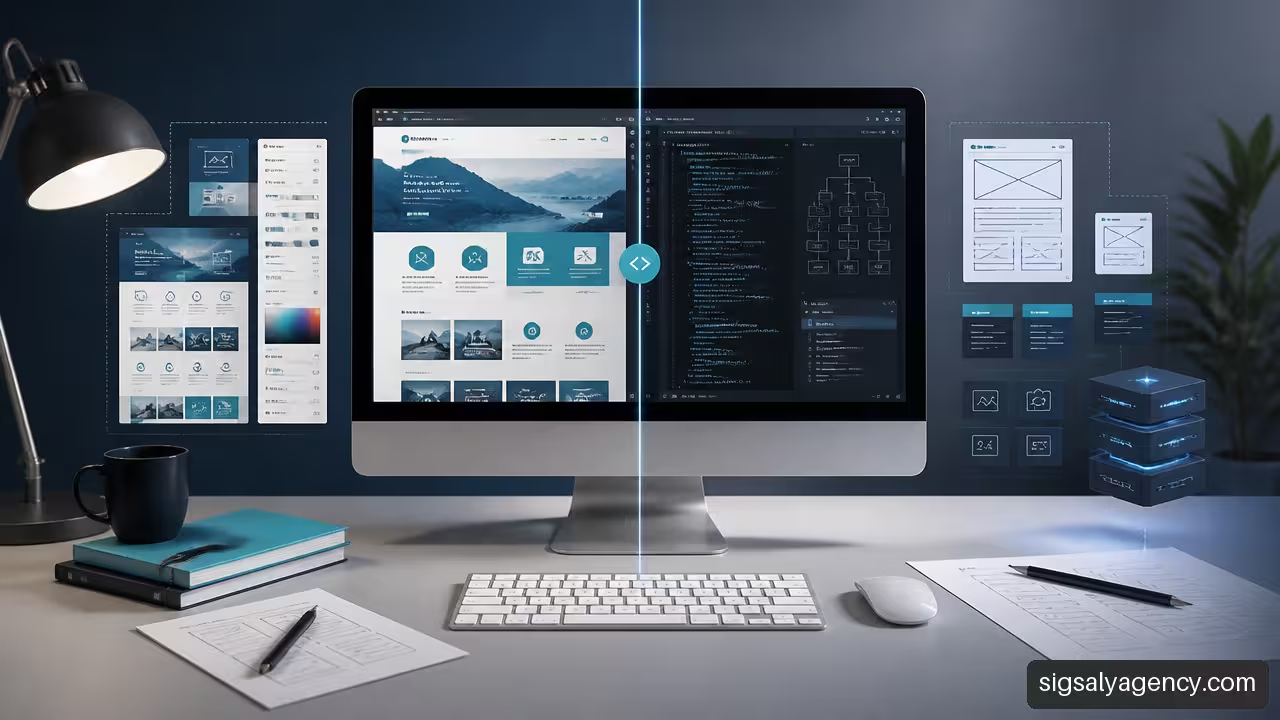
Choosing between custom WordPress development and a pre-designed template isn't just about comparing a low price with a higher one. The decision affects publishing speed, daily editing, technical SEO, scalability, and the cumulative cost over years. A template might perfectly address a specific need. Custom development can prevent costly limitations. The key is understanding what problem you want to solve now and what problems might arise later.
Table of Contents
- How to Choose Between Template and Custom Development
- Initial Cost vs. Total Cost of Ownership
- Performance, SEO, and Security: No Simplistic Promises
- Content Maintenance, Dependence, and Portability
- Key Aspects for Making the Decision
- Frequently Asked Questions
How to Choose Between Template and Custom Development
The short answer is this: I would choose a pre-designed template when the project has a standard structure, needs to be launched soon, and can function without disrupting key processes. I would opt for custom development when the website needs to reflect a specific operational model, integrate proprietary systems, or support growth that a template would ultimately force.
It's not helpful to reduce the comparison to "cheap template" versus "expensive website." A well-chosen, lightweight, and properly configured template can be an efficient solution. Similarly, a custom-developed website can become a burden if it includes unnecessary features, insufficient documentation, or a difficult-to-maintain architecture.
What Really Changes in Each Approach
A pre-designed template is a reusable theme. It provides ready-made designs, visual options, and components for various industries. It allows you to change colors, fonts, images, menus, and content blocks, but maintains a structure shared with many other websites. Xeito Studio's comparison between templates and custom design He explains that a template allows you to launch and customize a website from a common structure, while a custom solution starts from its own architecture.
Custom development defines the components that the project needs: page templates, WordPress blocks, content fields, integrations, and business rules. IMADO describes custom WordPress development such as creating templates, blocks, and integrations specific to a project, an alternative that usually requires more initial investment.
The difference is especially noticeable when a new requirement is added. In a template, it might be necessary to find a plugin, adapt the visual builder, or modify legacy CSS and JavaScript. In a custom theme, the functionality can be designed to fit the existing content model. This doesn't mean it's always simpler: it will depend on the code being well-documented and maintained.
The Most Useful Criterion: Operational Exceptions
I wouldn't base my decision on company size or the number of pages. I'd look at the exceptions. A ten-page corporate website might require custom development if it needs to display services by location, conditional pricing, forms connected to a CRM, or private areas with different permissions.
On the other hand, a brand that needs a homepage, a blog, a contact page, and a simple lead generation tool can function perfectly well with a lightweight template. The problem starts when each need requires an additional "little tweak."
A template ceases to be worthwhile when business exceptions outweigh the reasonable configuration it offers.
These signs usually warrant further evaluation:
• The team relies on several plugins to solve basic site functions.
• The visual builder generates pages that are difficult to edit or inconsistent with each other.
• Business processes require forms, quotes, reservations, or catalogs with specific rules.
• The design must stand out clearly in a competitive market.
• Each update requires reviewing too many manual customizations.
Realistic Decision Examples
A professional practice that simply needs to explain its services, publish articles, and generate leads can start with a clean template. The priority is to publish a clear, accessible, and easy-to-update website. Customizing beyond what's necessary would only add cost and delay.
A WooCommerce store with customizable products, volume pricing, complex shipping rules, or inventory synchronization requires further analysis. Attempting to fit all of this functionality into a generic template using extensions might work initially, but daily management becomes more fragile. In such cases, component-based development can reduce operational friction.
To delve deeper into the relationship between requirements, experience, and technology, it is helpful to review the approach of web development and design with WordPress.
Initial Cost vs. Total Cost of Ownership
The purchase price of a theme doesn't tell the whole story of a website's cost. A license might seem inexpensive, but the actual budget includes design customization, setup, plugins, testing, updates, support, troubleshooting, and, in some cases, future migration.
That's why it's worth comparing the total cost of ownership over three years, not just the launch amount. There isn't a reliable universal figure for each type of project because integrations, content level, and maintenance commitment all play a role. Even so, the calculation model is reusable.
A Practical Model for Comparing Costs
| Line item | Pre-designed template | Custom Development |
|---|---|---|
| Design and implementation | Normally smaller | Normally older |
| Theme or builder license | It can be recurrent | It may not exist, depending on the architecture. |
| Additional plugins | Frequent if there are special needs | Selected for specific roles |
| Future customizations | They can rise if they collide with the structure | More predictable if they are planned |
| Technical maintenance | Review of theme, plugins and compatibilities | Code review, dependencies and additions |
| Future migration | It can be tall with attached content | It depends on the documentation and modularity |
To estimate the cost, I would use this formula:
Total cost of ownership = initial investment + licenses + support + maintenance + evolutionary changes + incident costs + possible migration.
A template isn't necessarily a bad investment. If used for years with few plugins, portable content, and regular maintenance, it can offer excellent value. The risk arises when you buy a multi-functional template to "have it all" and then customize it in ways the theme didn't originally support.
The Hidden Cost of Over-Adapting
Imagine a service company that buys a theme with attractive demos. At first, it only needs to change the text and images. Months later, it needs a pricing calculator, multiple languages, email automation, service-specific forms, and a client area. Each need is added through a separate extension.
The website can continue to function, but its cost is no longer in the initial license. It's in the hours needed to check compatibility, debug conflicts, and train the team on an increasingly complex version.
WordSuccor warns about multifunction themesThey may load resources and components that the site does not use. Besides the potential technical impact, this reveals an economic problem: paying for and maintaining options that do not add value to the project.
When Paying More Makes Sense
Custom development is often justified when it reduces repetitive work or operational risk. For example, if a team spends hours each week collecting form data, copying information to a CRM, and sending manual emails, a well-designed integration can be more valuable than an initial cost savings on the website.
It also makes sense when the business needs structured content. A real estate agency, an academy, or an industrial company might require content sheets with specific fields, filters, and relationships between content. Creating this system from the beginning can facilitate editing and prevent pages from being built differently by each person.
To evaluate design, accessibility, performance, and structure before investing, I recommend consulting this strategic guide for professional web design.
Performance, SEO, and Security: No Simplistic Promises
A custom theme doesn't automatically guarantee a faster, better-ranked, or more secure website. That promise would be too simplistic. Performance also depends on the server, images, caching, fonts, external scripts, plugins, redirects, and WordPress configuration.
The useful comparison isn't "commercial theme versus code from scratch." It's lightweight architecture versus oversized architectureA minimalist template with few resources can perform better than a custom theme loaded with uncontrolled libraries, animations, and dependencies.
What Affects Core Web Vitals
Core Web Vitals evaluate aspects of page load experience, interactivity, and visual stability. The theme plays a role, but it doesn't act alone. A custom design can load only the blocks, styles, and scripts that each page needs. That's a potential advantage, not a guarantee.
Some themes include scripts that are not necessary on all pages. Versantus points out this risk of unnecessary scriptswhich can increase the page weight. However, eliminating this problem requires reviewing what each template loads, optimizing images, deferring non-critical resources, and measuring actual results.
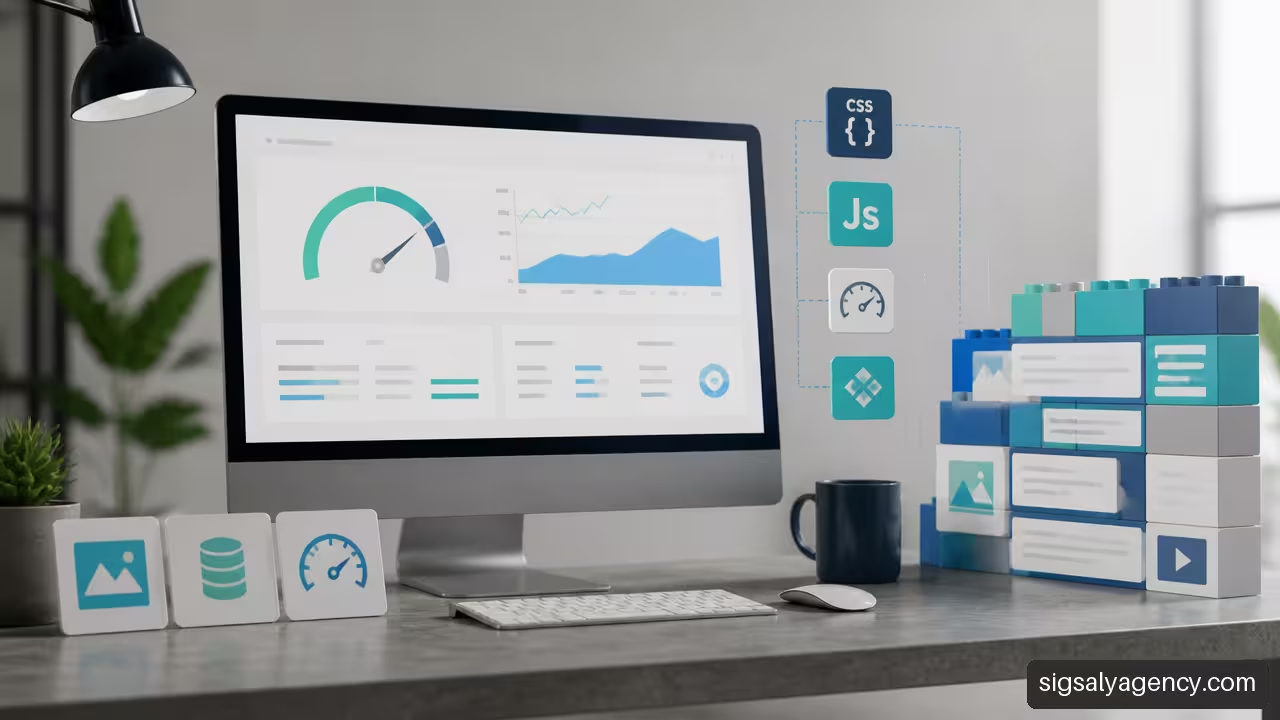
A reasonable audit should review, at a minimum:
- The size of the images and the format used.
- The CSS and JavaScript files loaded per page.
- Active plugins and their specific function.
- The cache configuration and server response time.
- External sources, measurement labels, and third-party widgets.
SEO: The Template Doesn't Rank on Its Own
Neither a premium template nor a custom-developed website will automatically rank highly. SEO depends on content relevance, information architecture, indexing, backlinks, user experience, and the site's technical health.
Custom development can facilitate a more precise content structure. For example, you can create specific content types for services, cases, locations, or products, with consistent fields and appropriate markup. But if the pages lack useful information or duplicate text, that technical advantage won't solve the problem.
On the other hand, a well-configured template can provide a solid foundation for a content strategy. The key is to avoid a design that forces the use of headings for visual reasons, hides important links, or hinders mobile navigation.
Security and Updates
There is insufficient independent evidence to conclude that one option is always more secure. Security depends on code quality, updates, user management, backups, hosting, and the ability to respond to vulnerabilities.
With a template, you need to keep an eye on updates to the theme, the builder, and the plugins. With custom development, you need to understand the dependencies, maintain compatibility with future versions of WordPress, and document the changes. In both cases, a clear maintenance agreement is more important than a marketing label.
Content Maintenance, Dependence, and Portability
Technical dependencies exist in both approaches, though they take different forms. In a template, they might depend on a license, a theme provider, a visual builder, or specific plugins. In custom development, they might depend on the team that understands the repository, integrations, and architectural decisions.
The correct question is not “Will there be dependency?”. The question is: What dependency do we accept and how can we reduce it?
Portable Content vs. Enclosed Content
The content should survive a design change. Titles, text, images, products, and contact information should remain structured within WordPress, not hidden inside proprietary shortcodes or modules that are difficult to migrate.
A common risk arises when a visual builder saves a large amount of content in specific formats. If you switch tools, you may need to rebuild pages, review styles, and clean up code snippets. This doesn't always happen, but it's worth checking before implementing a solution.
To reduce this risk, I would prioritize:
• Native WordPress blocks when they meet the need.
• Structured fields for repeatable information, such as services, equipment, or product data sheets.
• Plugins with active maintenance and a clear function.
• An inventory of dependencies before accepting new extensions.
What to Ask For in a Custom Development
A custom development should not be delivered as a finished product. The contract and technical handover should allow for another vendor to continue the work if needed.
| Deliverable | Why It Matters |
|---|---|
| Code repository | It makes it easier to review, preserve, and evolve the topic |
| Technical documentation | Explain dependencies, deployment, and configuration |
| List of plugins and licenses | Avoid unexpected renewals or unknown features |
| Editing Manual | Reduce errors when creating or updating content |
| Upgrade plan | Define responsible parties, frequency, and tests |
| Backup and recovery | It clarifies how to act in the event of an incident |
I would also request a definition of intellectual property, access to technical accounts, and procedures for switching providers. This doesn't eliminate the need for specialized support, but it reduces operational bottlenecks.
Scalability Is a Design Decision
Scaling doesn't mean adding pages without limit. It means being able to incorporate features, content, traffic, and integrations without having to rebuild the foundation every few months. A template can scale if the structure is clean and the requirements remain standard. A custom development can fail if it's built without reusable patterns.
For example, if a company plans to publish dozens of service listings and create campaigns for each sector, it's advisable to design reusable content types and templates. If each new page requires copying a previous one and manually correcting blocks, the website will have a consistency problem before it has a volume problem.
The connection between website structure, lead generation, and visibility deserves a joint look from the web design and online marketing.
Key Aspects for Making the Decision
I wouldn't recommend a default solution. The choice should stem from the requirements, not from a preference for specific tools. These are the practical conclusions I would use to decide.
When to Choose a Pre-Designed Template
A template is usually a good option if the project meets most of these conditions:
• The structure is conventional: presentation, services, blog, contact or simple catalog.
• The goal is to launch soon with a contained initial investment.
• The design can be adapted to existing components without losing brand consistency.
• The team agrees to work with the theme options and a limited set of plugins.
• There are no critical integrations or complex business rules.
When to Choose Custom WordPress Development
A custom development is usually more suitable if several of these needs arise:
• The website should represent the business's own processes.
• Integrations with CRM, ERP, inventory, reservations, or private areas are required.
• The content needs specific structures, filters, or permissions.
• The brand needs a clearly differentiated interface.
• The projected growth would cause a workforce to accumulate fragile adaptations.
• The organization needs to precisely control performance, components, and editing experience.
Questions Before Signing
Before buying a template or hiring a developer, I would answer these questions in writing:
- What tasks should the team be able to perform without technical assistance?
- What integrations are necessary now and which are likely in the coming years?
- Which plugins, licenses, or external services will be linked to the site?
- Who will update WordPress, the theme, the plugins, and the server?
- How will the site be recovered in the event of an incident?
- What content can be moved without being rebuilt if the design changes?
- What documentation and access will be received upon completion of the project?
The soundest decision isn't the one that promises the most features. It's the one that addresses real needs with the least sustainable complexity.
Frequently Asked Questions
What is the difference between a pre-designed template and a custom WordPress site?
A pre-designed template starts with a reusable structure that can be adapted using existing options, styles, and components. A custom WordPress site creates the architecture, blocks, and integrations according to the project's requirements. The main difference lies in the level of control and how each alternative responds to non-standard needs.
Which option costs less during the first three years?
It depends on the anticipated changes. A template typically costs less initially and can remain more economical if it requires minimal customization. Custom development can be more cost-effective if it avoids cumulative licensing fees, repeated customizations, plugin conflicts, or manual management tasks. The best way to compare them is to calculate the total cost of ownership.
When Does Adapting a Template Stop Paying Off?
It stops being worthwhile when changes cease to be configuration issues and become constant exceptions: additional code, plugins for every new feature, pages that are difficult to edit, or incompatibilities after updates. If the template affects important business processes, it's worth considering a custom architecture.
Can a Premium Template Be As Fast As A Custom Theme?
Yes, it can be in certain projects. A lightweight template with few plugins, optimized images, caching, and good configuration can offer solid performance. A custom theme has the potential advantage of loading only what's necessary, but it won't automatically be fast if the server, images, or external scripts are poorly managed.
Does Custom Development Always Improve SEO?
No. It can provide a content structure, templates, and components better suited to the SEO strategy, but ranking also depends on content quality, search intent, indexing, authority, and user experience. Custom code must be accompanied by an editorial and technical strategy.
Which option is safer against vulnerabilities?
Neither is inherently secure. A template requires updates to the theme, plugins, and visual builder. Custom development requires code maintenance, dependency checks, and compatibility monitoring. In both cases, backups, user management, tested updates, and a response plan are crucial.
What happens if the pre-designed theme stops receiving updates?
It may continue to work for a while, but it increases the risk of incompatibilities with WordPress, PHP, plugins, or security requirements. Before choosing it, it's advisable to check its update history, the provider's reputation, and the possibility of migrating content to another solution.
Can I change agencies if I have a custom-developed theme?
Yes, provided you have the code, access, documentation, licenses, and a dependency list. Portability doesn't depend on the theme being customized, but rather on the project being delivered in an organized manner, with clear ownership and understandable procedures.