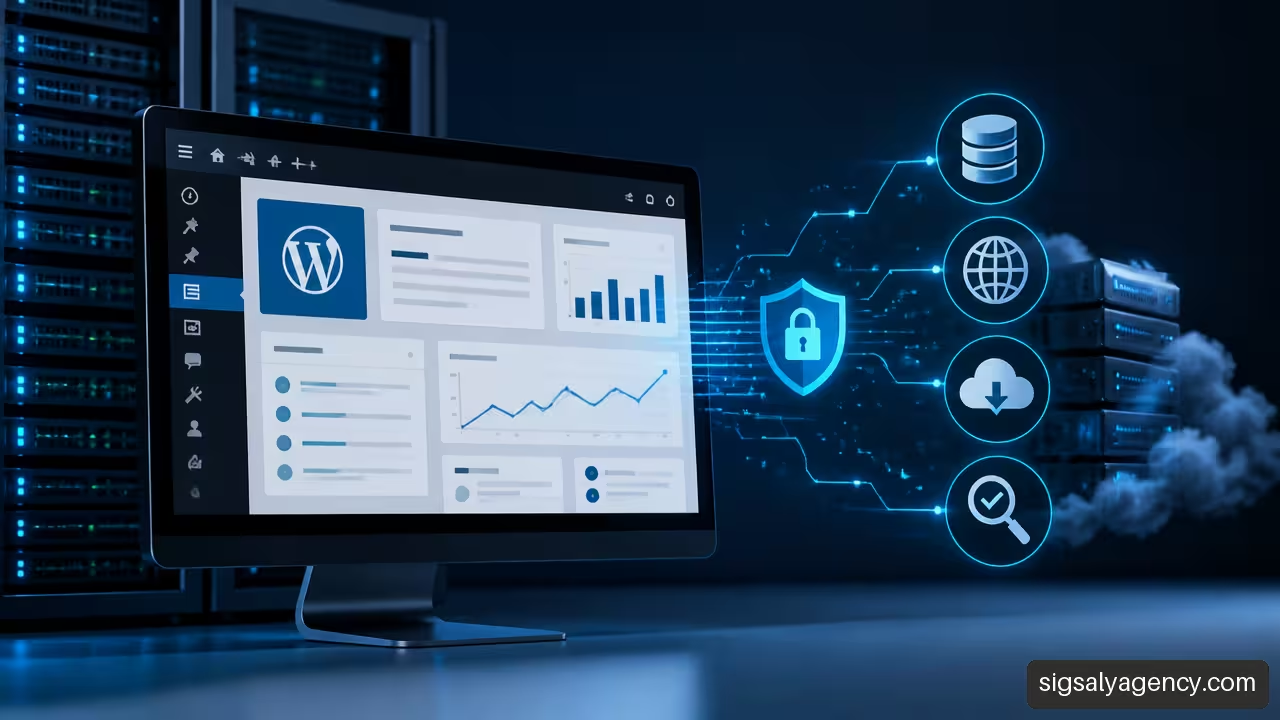
A professional web migration service to WordPress does not consist solely of copying files to another server. For me, it must be a controlled process that protects content, SEO, forms, users, integrations and business continuity. If a website receives contacts, bookings or sales, the objective is not simply that it loads on the new hosting: it must function in a verifiable way.
A well-planned migration can encompass the transfer from another CMS, a hosting change, a domain change or the consolidation of multiple WordPress environments. WordPress offers flexibility to manage content, expand functionality with plugins and adapt the design to new needs. But that flexibility also multiplies the dependencies that must be reviewed before publishing.
A safe migration is approved with tests, not with the phrase 'the website is already online'.
Table of Contents
- What A Professional Service Should Include
- How To Execute A Safe Migration
- Critical Aspects Of SEO, E-Commerce And Rollback
- Key Points
- Frequently Asked Questions
- Sources
What A Professional Service Should Include
Diagnosis Before Moving Anything
Before migrating, I recommend creating a technical and functional inventory. It is the difference between moving a website and moving a digital business. The inventory must identify indexable pages, posts, media files, forms, user accounts, active plugins, theme, customisations, cron, DNS, emails, analytics, advertising pixels, API connections and licences linked to the domain.
It is also advisable to classify the migration. Not all cases carry the same risk:
| Migration Type | Primary Risk | Priority Validation |
|---|---|---|
| WordPress to another hosting | Server configuration, PHP, cache and database | Performance, PHP errors and emails |
| WordPress with domain change | Loss of SEO signals and old internal links | 301 redirects, canonicals and analytics |
| Another CMS to WordPress | Content conversion, taxonomies and templates | URLs, custom fields and media |
| WordPress.com to self-managed WordPress | Environment differences and available functionalities | Import, theme, plugins and domain |
| WooCommerce to new environment | Recent orders, payments, stock and accounts | Checkout, emails and final synchronisation |
When comparing quotes, I would not look at just a final figure. There are providers that consider server change, domain, DNS and URL review, elements that appear described in the scope of a WordPress migration by AyudaWP. The important thing is to confirm in writing which environments are included, how many reviews will be carried out, what is considered an incident and what the rollback plan is.
Technical Scope That Must Be Put In Writing
A professional proposal should describe deliverables, responsibilities and limits. If it does not, grey areas can appear just when the site should be published.
As a scope reference, the DreamHost site transfer service lists common elements such as software, databases, files, code, content and, where applicable, domain and e-commerce orders. It is not a fee or universal standard, but it illustrates why "migrating a website" can mean very different things.
A solid service should specify, at a minimum:
• What data will be copied and from what date the final synchronisation will be done.
• Whether the current design is replicated or the migration is used to redesign templates and blocks.
• What plugins will be kept, replaced or removed due to incompatibility.
• What external integrations will be checked: CRM, payment gateway, email platform, calendar, cookies, tags and booking tools.
• Who modifies DNS, when the new environment is published and how long the previous one remains operational.
• What tests must be passed before accepting the migration.
If the objective includes improving structure, speed or conversion, the migration can be coordinated with a project of web development and design with WordPress. However, mixing migration and redesign raises the risk: it will be harder to distinguish whether a problem stems from the migrated data or from a new design decision.
Plugin Or Professional Service
A plugin may be sufficient for a simple installation, with few plugins, no domain change and no active transactions. Even so, automating the copy does not automate validation. The plugin can package files and database, but it does not decide whether an email arrives, whether a licence is reactivated or whether a rule on the new server blocks a URL.
For migrations from Joomla, Drupal, Shopify, Wix or Squarespace, the challenge usually lies in mapping content and URLs, not in moving a WordPress package. Seahawk Media's WordPress migration services include precisely transfers from these CMS, which helps to understand that a platform conversion requires a different scope than a simple hosting change.
How To Execute A Safe Migration
Preparation, Backups And Testing Environment
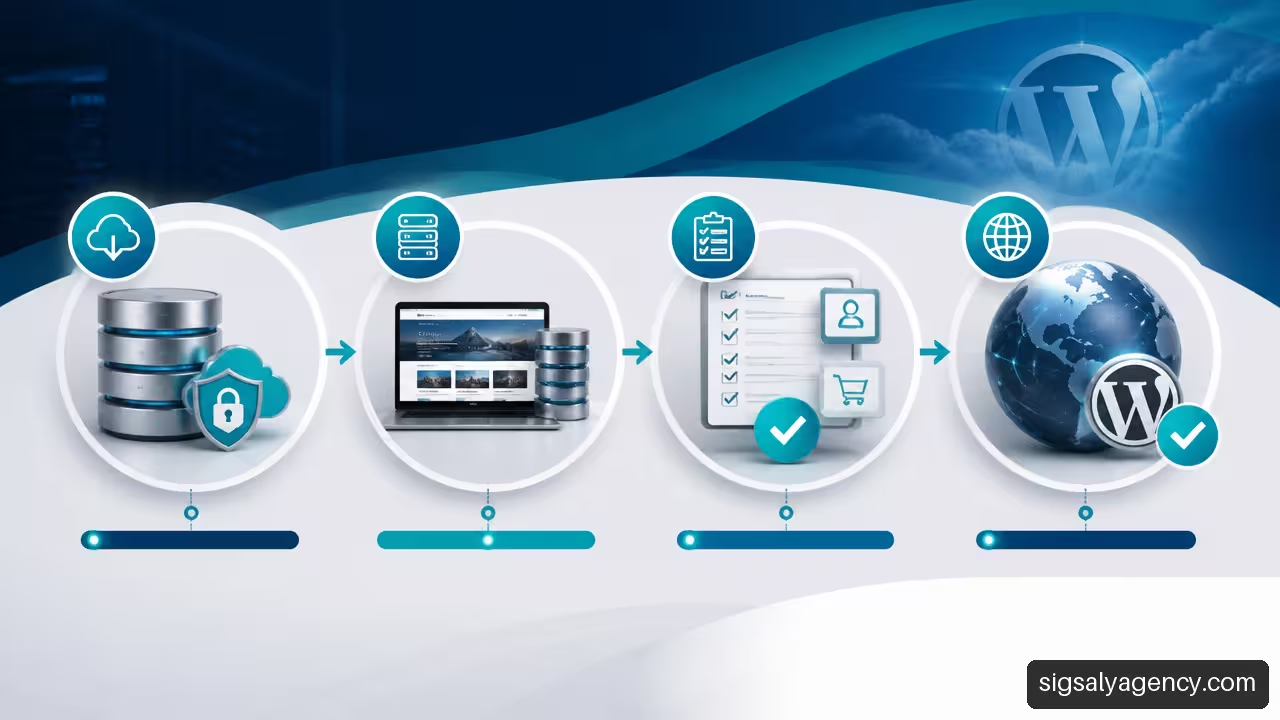
The process starts with a complete and verifiable copy. It is not enough to download files: you must check that the copy contains the correct database, media directories, child theme, plugins, relevant configurations and, where appropriate, server files. The copy must be able to be restored, because a backup that has never been tested offers limited security.
After that, I recommend setting up a staging private environment. There, files and database are imported, [wp-config.php] is adjusted, wp-config.php, PHP and MySQL or MariaDB versions are checked, and indexing is blocked while tests are carried out. Staging allows you to detect incompatibilities without exposing an incomplete website to visitors or search engines.
A backup copy is also the basis of a possible reversal. Seahawk Media describes the use of complete backups to facilitate a reversal if the transfer fails. In practice, I would define the rollback before touching DNS: who authorises it, what version is restored and what failures force the launch to be stopped.
Data Migration And Internal References
WordPress stores much of the content and configuration in the database. When you change the domain, you must update internal URLs, images, links, plugin settings and theme references. However, a mass text substitution can damage serialised values, that is, structured data where the length of a text forms part of the configuration. That is why it is advisable to use tools compatible with WordPress and validate the result in staging.
There is an essential distinction: changing the main domain is not equivalent to rewriting all internal references. The WordPress.com documentation on migrating a complete site warns that setting a primary address does not automatically rewrite the URLs of the content, which may continue to point to a temporary address. If an image continues to call the test domain, the site may appear correct until that environment is closed.
The review should include:
- Menu links, buttons, editorial content and widgets.
- Images, PDFs, embedded videos and resources uploaded from the media library.
- URL settings in form, SEO, cache, ecommerce and security plugins.
- Rules in
.htaccess, permanent links, redirects and 404 pages. - Environment variables, API keys and credentials that must not be copied without checking them.
Publication And Acceptance Testing
Publication usually occurs when updating DNS or nameservers. During propagation, different users may temporarily reach different environments. To reduce risks, it is reasonable to synchronise recent changes just before the definitive change, especially if there are comments, registrations or sales.
I would not consider the migration complete without an agreed acceptance test. You should compare the previous site with the new one and use observable criteria. For example, check a sample of critical URLs, images, forms, campaign pages, internal search, user access and analytics events.
On a corporate website, the criterion could be that all forms submit and deliver email correctly. In a shop, the criterion should be stricter: a test purchase should go through cart, taxes, shipping, payment, confirmation, stock update and transactional email. If the shop continues selling during the move, you need to plan how orders created between the first copy and publication are captured or synced.
Critical Aspects Of SEO, E-Commerce And Rollback
SEO: Preserve Signals, Do Not Make Absolute Promises
A migration can preserve ranking if it maintains technical and content signals, but nobody should promise there will be no fluctuations. Google must recrawl, process redirects and consolidate the new site state. Risk increases when domain change, redesign, page deletion and architecture modification are combined.
The priority is to preserve URLs whenever possible. If a URL changes, there must be an individual 301 redirect to the equivalent page, not a generic redirect to the homepage. I would also review titles, meta descriptions, canonicals, XML sitemap, robots, structured data, Search Console and analytics tags.
The domain update may require reviewing measurement and properties. A budget should indicate whether it covers Analytics and Search Console, because not all migrations include it. After stabilising the site, a strategic guide for professional web design can help evaluate accessibility, performance and visual hierarchy without turning the critical moving phase into an improvised redesign.
WooCommerce And Dependencies That Are Often Forgotten
WooCommerce adds data that constantly changes. Orders, vouchers, stock, accounts, taxes and emails require specific checking. A copy made in the morning may be outdated by afternoon if sales have come in.
Before publishing, I would verify these points:
• Status of recent orders and customer data authorised for testing.
• Payment methods in test mode and correct return from the gateway.
• Calculation of taxes, shipping zones, vouchers and stock rules.
• Order emails, password recovery and administrative notices.
• Integrations with ERP, logistics, invoicing, reviews and automations.
There are also less visible dependencies: plugin licences, domains authorised on an API, Google verifications, tag containers, external copy services or anti-spam keys. If a licence is linked to the old domain, the plugin may work initially and fail when it tries to validate the activation.
When to Activate a Rollback
The rollback should not be a confused reaction. It must have objective conditions. For example, it would be advisable to revert if checkout does not complete a purchase, if critical forms do not deliver messages, if generalised 500 errors occur, if the database shows inconsistent data or if essential redirects do not respond as defined.
There is no universal threshold for each website. An informational page can tolerate the correction of a secondary image after publishing; a clinic that depends on appointment forms should not accept those forms failing. The decision depends on the business impact and the time needed to correct the defect.
I would keep the previous hosting active until acceptance is complete, logs are reviewed, data capture is confirmed and verified that no resources are being called from the old server. After that, the website maintenance helps support updates, security, backups, monitoring and further improvements.
Key Points
Risk-Reducing Decisions
• Define the scope before contracting: content, design, data, domain, SEO, integrations and ongoing support.
• Use a staging environment to test without affecting the public site.
• Treat URL updating as a delicate technical task, not as simple text replacement.
• Publish only after passing agreed functional and technical tests.
• Design a rollback plan before changing DNS.
Signs Of A Well-Planned Budget
| Question | Expected Answer |
|---|---|
| What is being migrated? | Clear list of content, files, database, users and integrations |
| How is it tested? | Staging, acceptance testing and critical URL review |
| What happens if it fails? | Verifiable backup, responsible parties and rollback procedure |
| How is SEO protected? | Redirection map, indexation review and ongoing monitoring |
| What support remains afterwards? | Stabilisation period, incident fixing and optional maintenance |
Frequently Asked Questions
What Does A Professional Web Migration Service To WordPress Include?
It must include initial audit, backup, file and database transfer, new environment configuration, URL review, functional testing, controlled publishing and subsequent validation. The exact scope changes if there is a domain change, ecommerce or conversion from another CMS.
How Much Does It Cost To Migrate A Website To WordPress?
It depends on the volume of content, design complexity, number of integrations, domain change, staging needs and WooCommerce presence. It is advisable to compare scope and guarantees, rather than using isolated commercial prices as a universal reference.
How Long Does A Complete Migration Take?
There is no reliable timeframe without an audit. A simple website may require less work than a store with orders, automations and shipping rules. The technical copy time can be short, whilst testing and validation may require more dedication.
Can You Migrate Without Losing SEO Positioning?
You can significantly reduce risk by maintaining correct URLs, relevant content, metadata and 301 redirects. Even so, it is not responsible to guarantee that there will be no temporary visibility variations after a major change.
What is the Difference Between Changing Hosting and Migrating to WordPress?
Changing hosting transfers an existing WordPress installation to another infrastructure. Migrating to WordPress also involves converting content, design and functionality from another platform or CMS. The second case usually requires more mapping and testing.
What Happens to the Domain and DNS During Migration?
The domain can be kept. It is common to point its DNS to the new server once the environment has been validated. During propagation, some visitors may see the old version and others the new version, so the publishing window should be planned.
How is it Verified That Images, Forms or Users Have Not Been Lost?
A representative sample of pages is compared and real actions are tested: opening media, submitting forms, logging in, recovering passwords and completing critical processes. On large sites, it is advisable to combine manual reviews with link crawling and error checking.
What Should Be Tested in WooCommerce After Migrating?
Cart, checkout, payment gateway, taxes, shipping, coupons, stock, orders, emails and user accounts. You also need to check that orders created near the final change have not been left only in the previous installation.
Sources
• WordPress.com — Migrate an entire WordPress site to WordPress.com: https://wordpress.com/support/import/import-an-entire-wordpress-site/
• WordPress.com — Redirect a WordPress.com site address: https://wordpress.com/support/domains/site-redirect/
• DreamHost — Website Migration Service: https://www.dreamhost.com/es/servicios-profesionales/administracion/transferencia-sitios-web/
• AyudaWP — WordPress Web Migration: https://servicios.ayudawp.com/producto/migracion-web-wordpress/
• Seahawk Media — WordPress Migration Services: https://seahawkmedia.com/es/servicios/servicios-de-migracion-de-wordpress/